


Video
Video is how many people first experience our church, and it plays a vital role in helping viewers stay engaged, feel connected, and clearly hear the message—no matter where they're watching from. Livestream production isn’t just technical—it’s creative, thoughtful, and mission-driven. Whether you're operating a camera, switching between shots, or directing the flow of the broadcast, your job is to help tell the story of what's happening in the room.
This section includes training on camera operation, settings, shot composition, switcher workflow, and how to direct a live service with intention and clarity. As with any production role, the goal isn’t just to make things look cool—it’s to serve the message. The best video work feels invisible: smooth, steady, and focused on what matters most.
Start Here
This is the best place to begin. The first video below gives a broad overview of what it means to serve on the video team—not just technically, but spiritually and as part of a unified crew. It covers core principles like working with purpose, anticipating shots, creating smooth transitions, and thinking like a director, even when you're behind a camera. It's a longer video but will give you a great foundation to go from.
Below the video, you’ll find three essential documents that break things down even further. Start by reading the “Video Team Basics”—it lines up with the video and gives a strong foundation for anyone serving in video. If you're directing, be sure to also read the “Video Director Guide”, which includes practical tips for calling shots and an overview of switcher operation to help you lead with clarity and confidence.


Video Switchers
The video switcher is the central hub of the livestream, where all camera feeds come together and are selected in real time to create a smooth, engaging broadcast. This section gives an overview of what a switcher does and how it fits into the production flow, with a deeper dive into operating ATEM switchers—which is what we use here at Cornerstone. You’ll learn how to cut and transition between shots, manage inputs and layers, and work closely with the director. If you're serving in the Technical Director (TD) role, you’ll be hands-on with the switcher and responsible for executing the director’s vision throughout the service.

![Video Production Switchers [Understanding the basics]](https://i.ytimg.com/vi/V4FsO1vVtC8/maxresdefault.jpg)

Camera Composition
The way a shot is framed can either distract—or draw people deeper into worship. This section focuses on how to compose intentional, worshipful shots using principles like headroom, lead room, and the rule of thirds. You’ll learn when to use wide, medium, or close-up framing, and how to match your shot choices to the energy and emotion of the moment. Whether it’s capturing a powerful vocal, a quiet moment of prayer, or the full energy of the band, strong composition helps communicate the heart of what’s happening on stage in a way that feels natural, cinematic, and engaging.


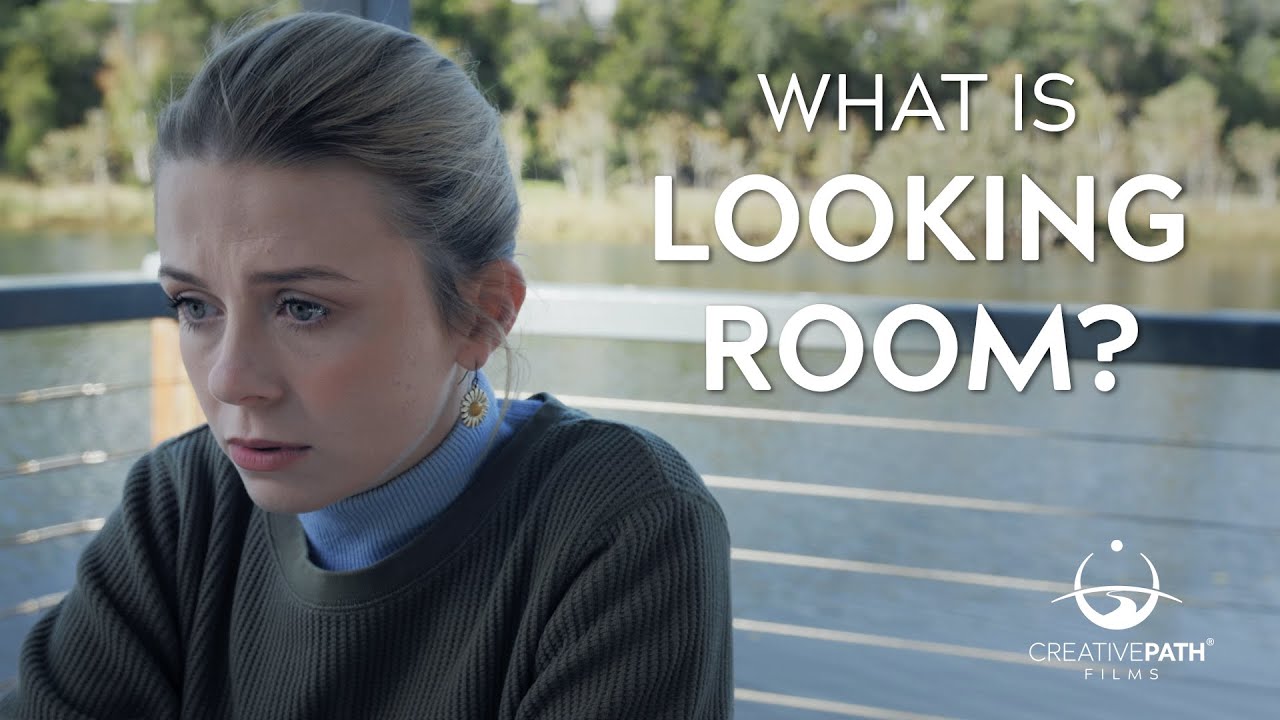


Framing and
Camera Setting guides
Here are some helpful visual references for framing shots and understanding basic camera settings. From wide to close-up shots and everything in between, plus a quick look at the exposure triangle to help you dial in shutter speed, ISO, and aperture. Great to glance at when you need a quick reminder on the fly.


Camera Operation
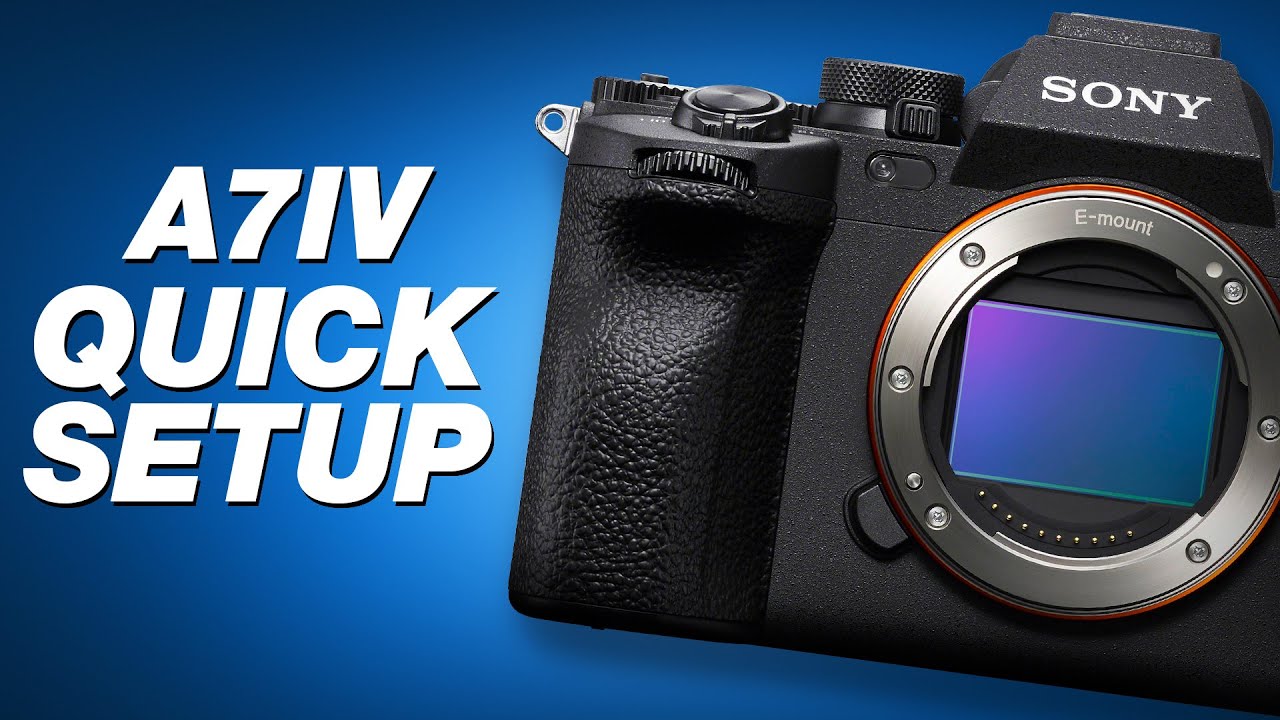
Knowing your camera settings is key to getting a clean, well-exposed image. This section walks through the basics of exposure—shutter speed, ISO, and aperture—and how to balance them in a live worship setting. You’ll also find camera-specific tips for Canon, Sony, and Blackmagic models to help you navigate menus and get the best results from the gear you’re using.


Directing
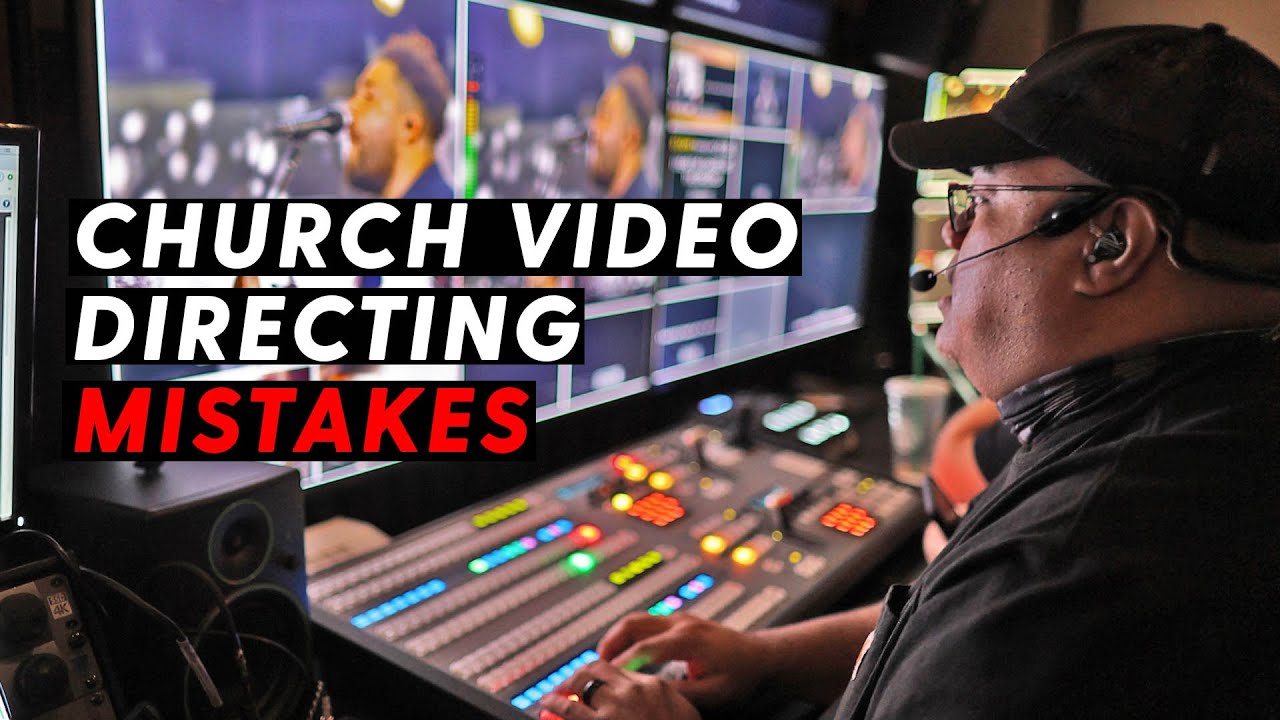
Directing a livestream means more than just switching between cameras—it's about telling a visual story that draws people into worship. This section is all about learning how to lead the broadcast with purpose, pacing, and clarity, even when things move fast. You’ll get real-world insight into how to make intentional cuts, follow the energy of the music, stay ahead of transitions, and guide your team in the moment. Whether you're brand new or looking to sharpen your instincts, this training will help you grow as a confident and thoughtful leader behind the switcher.


Multiview Examples
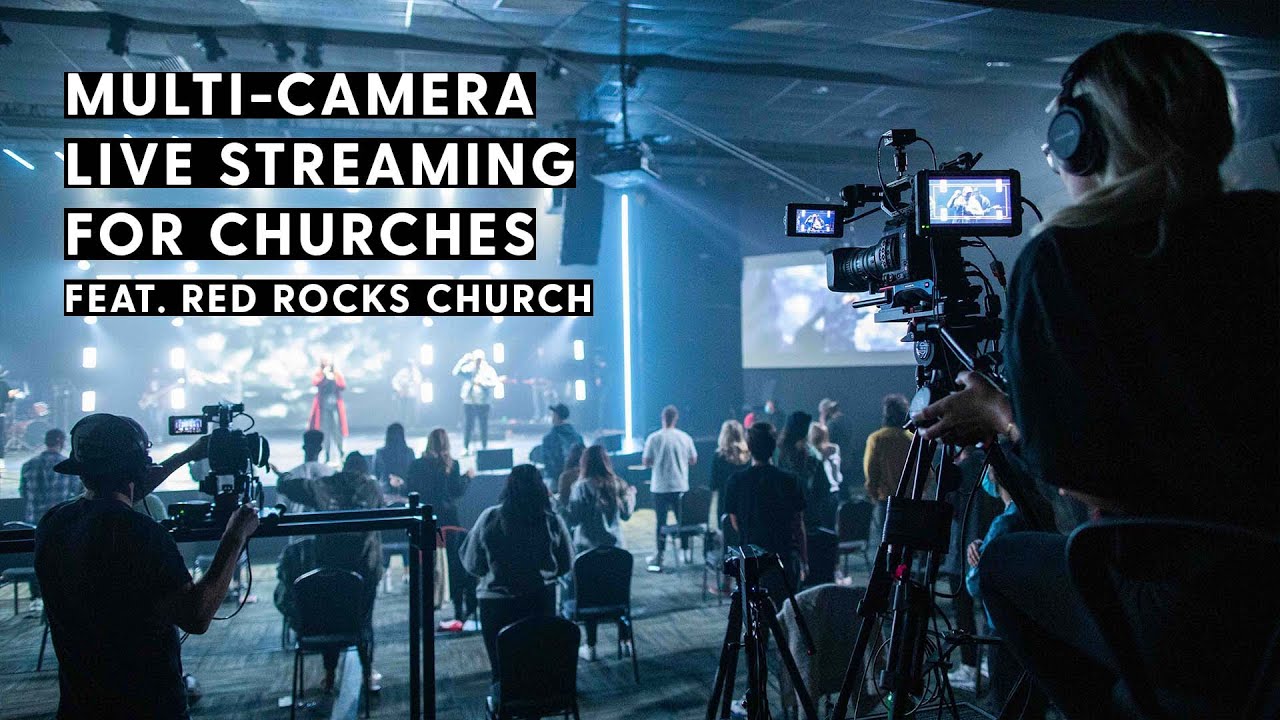
This section features real-world multiview examples from larger churches, complete with comms audio so you can hear how teams communicate and make decisions in real time. Watching these can give you a better sense of how shots are framed, how transitions are timed, and how the team works together to keep the production flowing smoothly. Use these as inspiration to develop your instincts and grow as part of the video team—whether you're a camera operator, TD, or director.


Inspiration and Examples
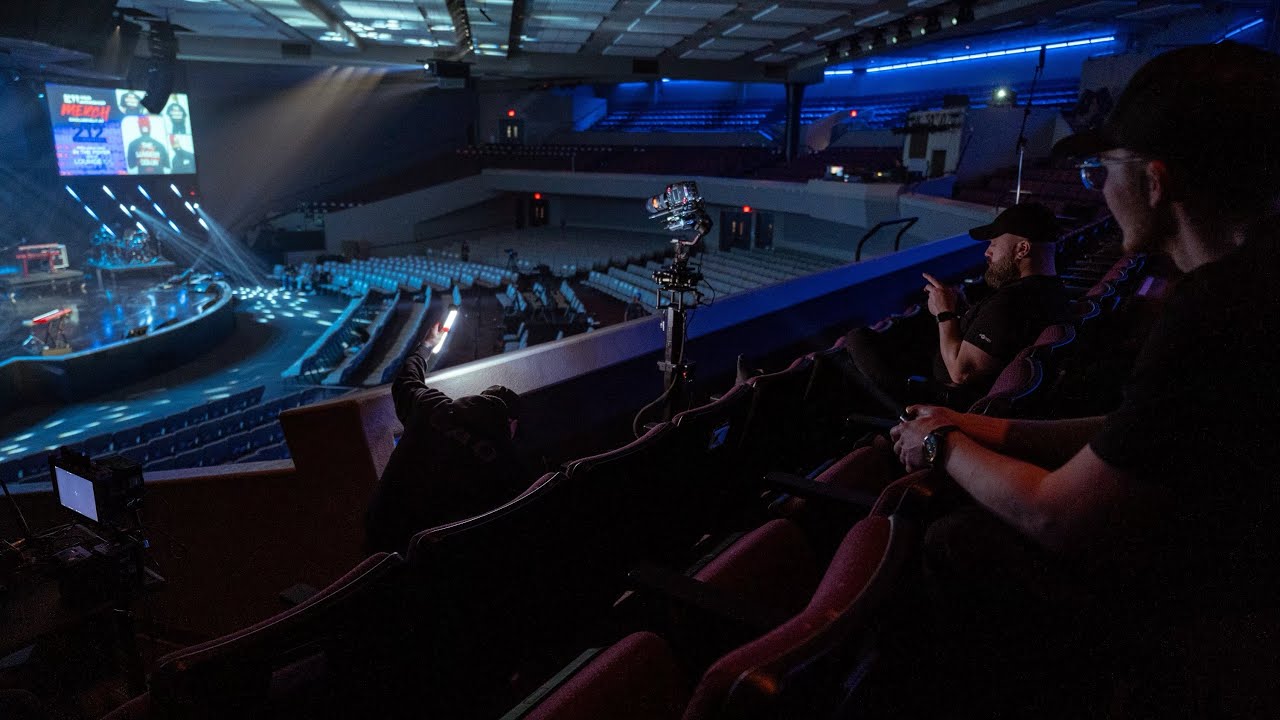
This section features behind-the-scenes tech tours from other churches, giving you a look at how their systems are built and operated. It’s a great way to get inspired, pick up new ideas, and see how churches of all sizes are using gear, space, and strategy to support their livestreams. Whether you're dreaming big or just looking for a few practical upgrades, these examples can help spark creativity and vision.


Misc Video
This section includes a mix of helpful tips, technical concepts, and practical knowledge that don’t quite fit into the main training categories. These bite-sized topics cover the kind of behind-the-scenes details that help you troubleshoot issues, understand your gear better, and grow in your overall video production awareness. They may seem small, but they often make a big difference in keeping things running smoothly.

Articles
This section includes linked articles that cover many of the same types of tips and concepts found in the videos, along with some topics that aren’t covered elsewhere. They’re a great way to dig deeper into specific areas, explore new insights, and revisit key ideas.